
Google has introduced a new feature that gives users more say over which news outlets appear in the Top Stories section of their search results. Called “Preferred Sources,” it allows anyone to prioritize the news sites they trust most, making it easier to see content from those outlets more often when it’s relevant.
How Preferred Sources Works
Using Preferred Sources is straightforward. Start by searching for a topic on Google. If a Top Stories box appears, you’ll notice a star icon next to it. Clicking that star opens a menu where you can add news sites you want to see more frequently. You can search for these sites directly, add them from a list, or remove ones you no longer want prioritized.
Once you’ve made your selections, a “Reload results” button applies your choices immediately. Google says the feature doesn’t block other outlets from appearing—it simply gives priority to your chosen sources when they publish relevant, timely coverage.
Another Way to Add Your Favorite Sites
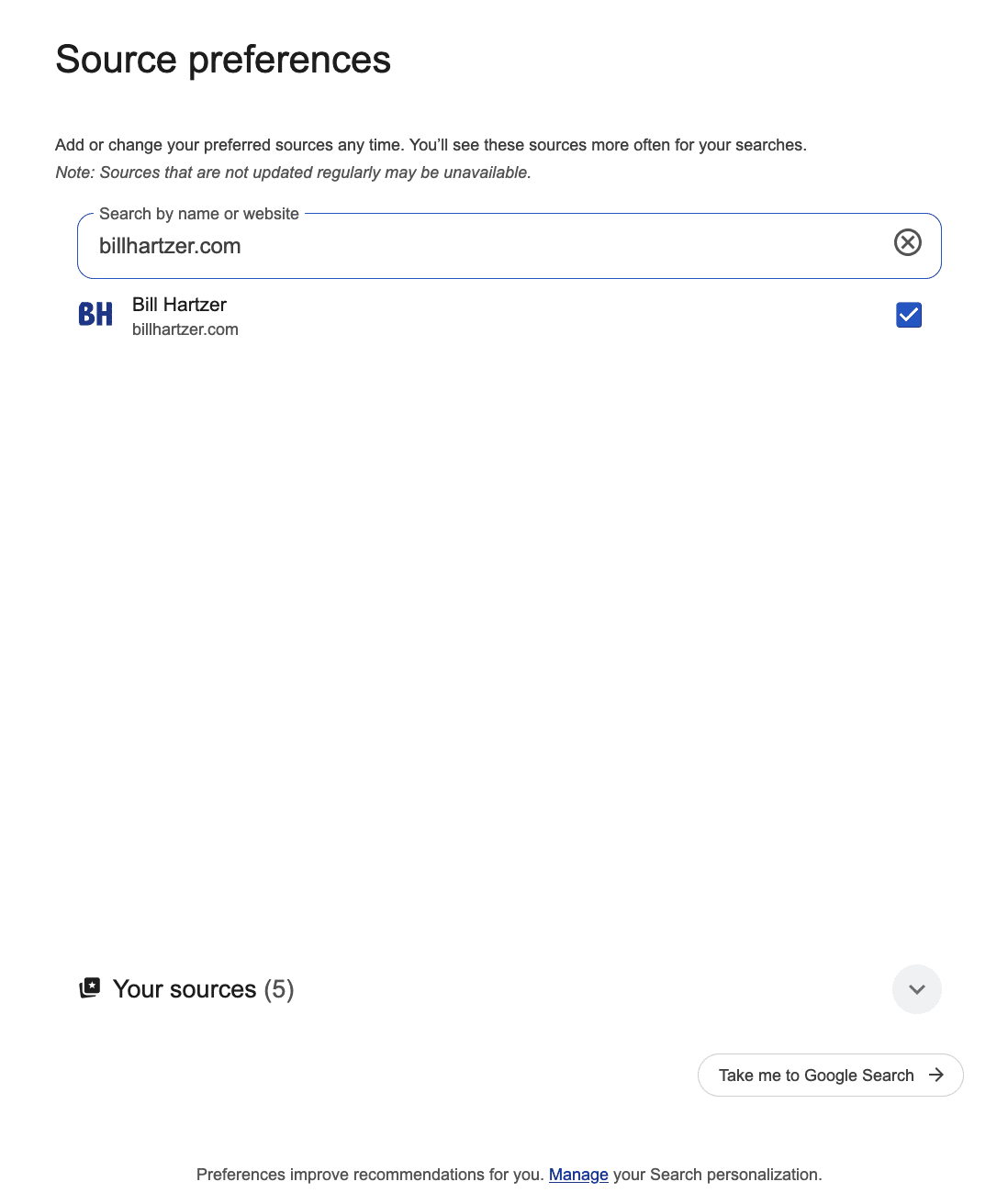
There’s also a shortcut for adding a site without waiting for it to appear in search. Just replace billhartzer.com in the link below with the domain you want, paste it into your browser, and press enter:
https://www.google.com/preferences/source?q=billhartzer.com
That link takes you directly to the Source Preferences page. From there, you can add the site you entered plus any others you want on your list. This method is handy for setting up multiple preferred outlets quickly, especially for niche sites that may not often appear in Top Stories by default.
Why This Matters for Both Readers and Publishers
For readers, this is a way to take some control back in a search environment that’s often driven by algorithms. By locking in a few trusted news providers, you can cut down on irrelevant sources and get updates from outlets you actually read.
For publishers, becoming a preferred source for more users could mean more visibility and click-throughs when their articles are relevant. Newsrooms that already have strong reader loyalty may find this feature helps solidify their presence in Google Search.
What It Doesn’t Do
It’s worth noting that Preferred Sources won’t create a search experience that’s limited only to your chosen outlets. Google’s ranking systems still aim to provide a mix of sources for balanced coverage. The feature simply moves your preferred outlets higher when they’ve published on the topic you’re searching for.
Preferred Sources won’t completely rewrite how Google serves up the news, but it does give users a meaningful tool to surface content they trust. It’s a small step toward a more personalized search experience—one that benefits readers who know what they like, and publishers whose work has already earned that trust.
Whether you use it to follow a handful of major outlets or a mix of niche sites, it’s a simple way to tilt the odds in favor of seeing the coverage that matters most to you.
Can Your Add Your Own Website?
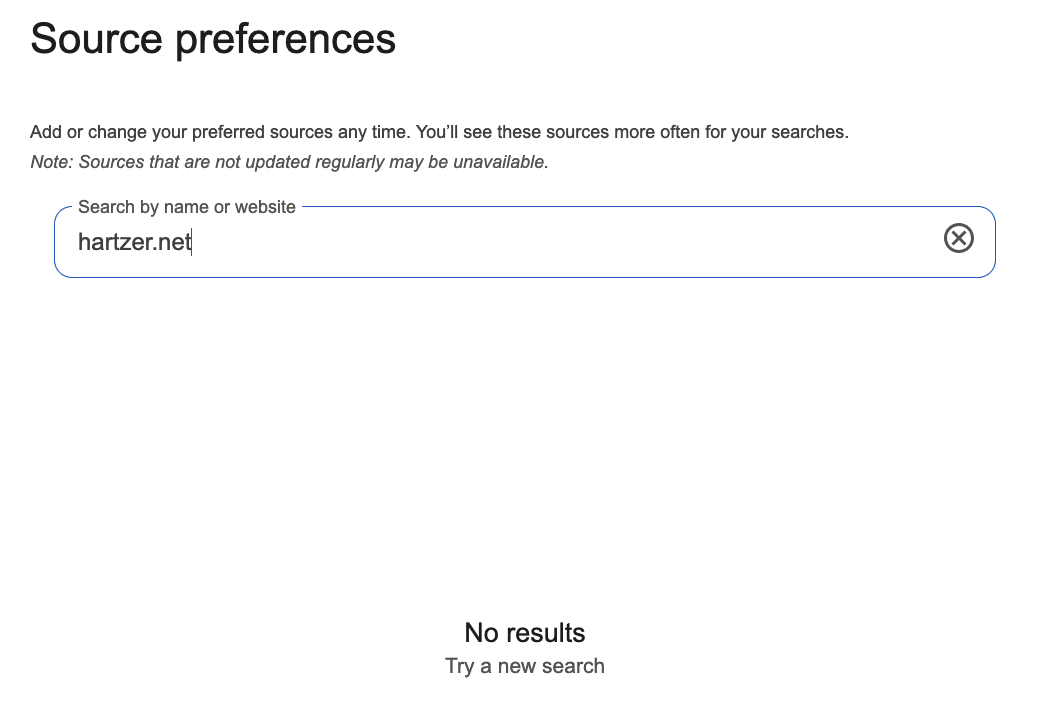
I took some time to “mess” or “test” this feature. What I noticed is that you can add certain domains/sites and others you cannot add. I initially thought that you could only add sites that have been designated as “news” sources, whereas the site is already in Google News and the site shows the “news” tab in Google Search Console (along with the Discover tab). However, entering various sites in there resulted in some being accepted and others not being accepted and “not fount” as show in the above screen capture. I was able to add Hartzer.com, which is NOT in Google News as far as I can tell. But I was not about to add one of my client’s websites, as it was “not found”. I suspect it may have something to do with some sort of authority, as some sites can be added and others cannot be added, even though those sites are crawled and indexed in Google’s organic search results.
Personally, I found a few odd things: I can add sites that are already in Google News. However, there are sites that clearly are NOT in Google News, such as billhartzer.net, and Hartzer.com, both of which can be added as a top source but aren’t currently in Google News. I find that very odd–maybe I should submit them to Google News? Maybe.
Will Google Use This Data?
One of the things that has crossed my mind here is that Google potentially use this data (sites that have been manually added as preferred sources) as a part of some algorithm somewhere. As a search engine ranking factor. We already know that Google was using some Chrome data as a part of their algorithm(s). They may or may not be using that data right now and they may not use that data in the future. However, I don’t see a problem with adding your own site as a preferred source and encouraging others to do so (I learned about this preferred source feature from Barry at SERoundtable. So, make sure you add my this site as a preferred source, and add SE Roundtable as a preferred source, as well: https://www.google.com/preferences/source?q=seroundtable.com