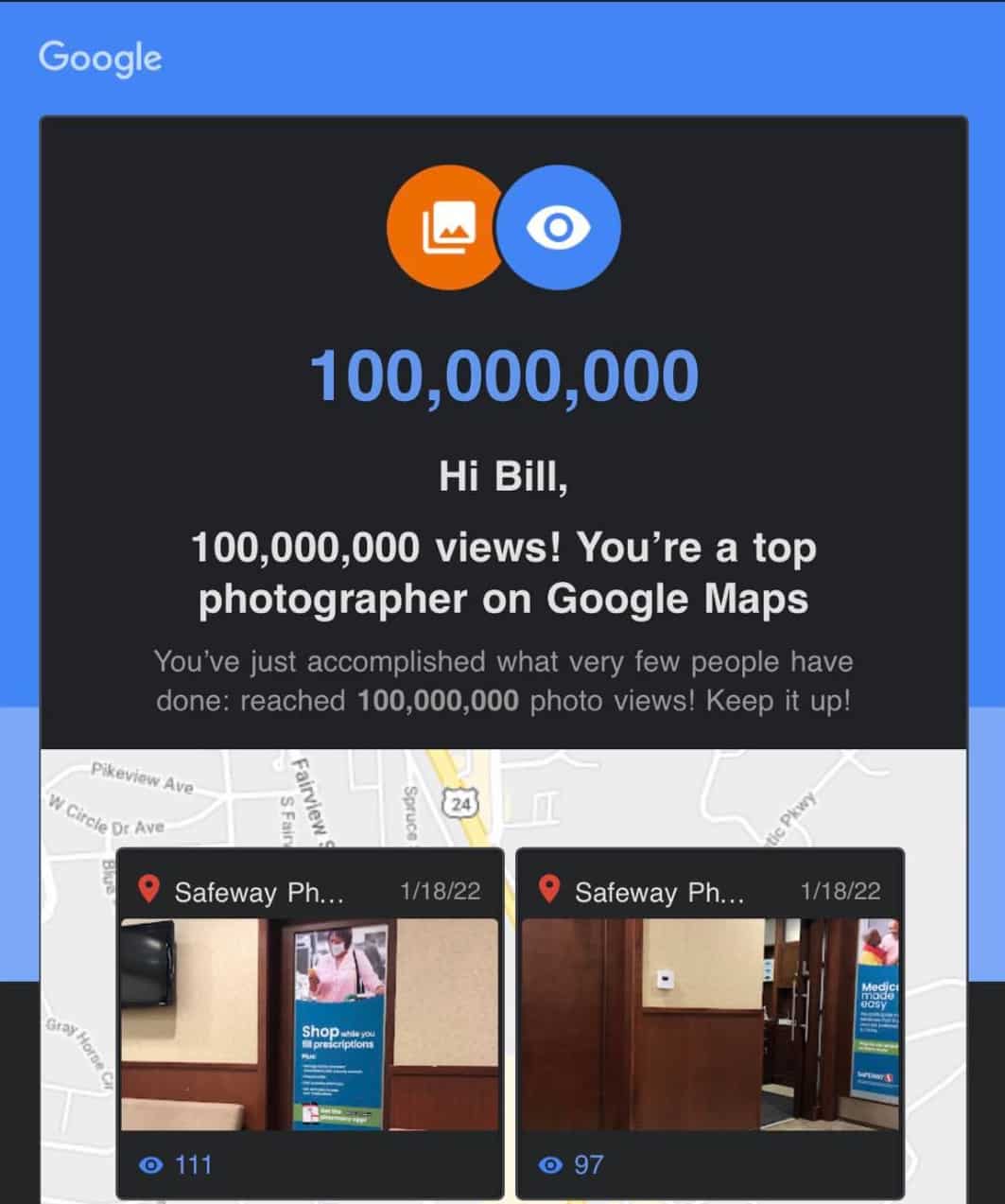
I recently got an email directly from Google congratulating me on reaching 100 million views on my Google Maps photos. That’s 100,000,000 views. I was particularly surprised that I reached that many views on photos I’ve uploaded to Google Maps business listings. However, I knew that I was getting close as I had recently seen that I was at about 90 million views, thinking that I needed to go out and take more photos. I thought I would go ahead and tell you how I reached this number of views. I’ll go through my process, and explain some of the benefits from doing what I do.
Google Local Guide
Several years ago, I signed up (with my main Google Account) to be a Google Local Guide. This is a free program that give you points for doing things related to Google Maps. For example, you get a certain number of points when you take a photo of a local business, adding edits of Google Maps listings, asking and answering questions about local businesses, and leaving reviews. Since I do SEO and Local SEO for a living, it’s something that I know I should be doing, participating in a program like this since it’s best to learn by actually doing what people hire you to do. I highly recommend that if you are working doing anything related to local SEO and local marketing, you absolutely should be participating regularly in the Local Guides program, but also actually doing things: like taking photos, leaving reviews when you go to a restaurant or local business, and providing edits on Google Maps listings when you see something that needs to be edited. After a few years of actively participating, and not really going out of my way to participate, I’ve made my way up to Level 10, the highest level of Local Guide possible.

Above you’ll see the most popular photos that I’ve taken. They’re just from my iPhone camera, which is not the latest model. However, I’ve taken so many photos like this, it’s anyone’s guess as to why or how there are so many views on certain photos.
How I Got So Many Photo Views
In order to get so many views on photos I’ve uploaded to Google Maps listings, I’ve developed a routine of sorts whenever I visit a local business. Or any business or attraction that has a Google Maps listing. There are a few things that I do, and it’s this routine that has gotten me (legitimately) to be the highest Local Guide level, but also so many photo views. Here is what I do:
- Whenever I first arrive at the business or attraction, or just before arriving, I look up the listing on the Google Maps app. I have it open. I may lock my phone, but I have the listing ready.
- I usually navigate on the listing to the photos section, and open it up. There is a place to “add photos”.
- I put my phone on silent. This is extremely important, as my phone makes a camera shutter noise whenever I take a photo. A bit about that later, but this is very important.
- I make sure the camera’s flash is turned off. There’s nothing like drawing attention to yourself if you’re taking photos and everyone sees your flash going off constantly.
- So, here is the big secret: I take lots of photos. Lots of photos. I may stand in one place in a store and turn around in a circle, easily taking 10-20 photos. This is important, as the quantity of photos is important in order to be successful here. You get a few Local Guide points for every photo uploaded, so taking photos at various angles at different locations in a store is important.
- I make sure that there are never any people in the photos if at all possible. Google Maps, when you upload photos, will automatically recognize faces and blur them. But, I learned very quickly that it’s not very fun when someone comes up to you in a store and says, “did you just take my photo with your phone?”. Usually they’re not nice about it. So, best if there is no one even around, or you can take the photo without anyone noticing.
Those are just some tips, and part of the process. Usually I’ll upload the photos (typically it will be at least 20 photos per location, but sometimes as many as 100-200 photos. If it’s a local business, then they may not actually realize it, but having lots of photos of their business actually does help them show up better in the Google Maps listings. Especially if you’ve taken the photos at that location, upload them while at the location, and you leave a review along with the photos. So, you can take 100 photos, you get Local Guide points for those photos, but you can then leave a review with the same photos and get additional points and possibly photo views of those as well.
Google Street View Analytics
I recommend that you get the Google Street View app. If you download and install the app, there is a way that you can browse the app via the built-in map, but you can also look at the map at your particular location. So, let’s say you’re in Dallas and view the map. You can see the number of views that a particular location has, whether it’s via someone who is Street View Certified Photographer (like myself) or if it’s via Google Street View (via their car driving around). That will give you an indication of how popular a particular location is, and if it’s worth taking photos at that location. In previous versions of that app, they gave you suggestions on where to take a 360 photo (of a particular business, for example) and they showed the number of views that the local business listing has. That was interesting to view, as there was an incentive to go to a particular location and take photos (especially 360 photos) of the business since it’s popular. I recall taking a 360 photo of a Church’s Chicken location, and within a few hours there was something like 26,000 views of that photo. Currently, on the Google Street View app there are numbers next to each photo on the map, and I’m assuming that those are the number of views. For example, I have seen a photo on the Las Vegas Strip that has 3500 views (not sure in which timeframe), but another location out in the middle of nowhere has 120 views.
So to be honest, reaching 100 million views on my Google Maps photos that I’ve uploaded isn’t really a surprise to me, considering the fact that I have taken and uploaded over 17,000 photos. I’ve made it a part of my routine when I just go about my day, and I’m out running errands. And the occasional time when I’m waiting for a relative to shop, which gives me a few minutes to take photos.
What are the Benefits?
You are probably wondering what the benefits are of getting so many photo views and participating in the Google Local Guides program. After all, you don’t get paid anything by Google: nothing at all, by participating in the Local Guides program, and even getting to the highest level, level 10. In fact, there are supposed to be “perks” given, and I think the best thing I’ve gotten from Google was a cloth shopping bag. Probably the biggest satisfaction that I get from doing this is the fact that I’ve learned so much about “how things work” when it comes to Google Maps, and especially maps listings. I have noticed that my edits and changes do tend to go through fairly quickly; but there are some edits that are “blocked” so to speak, and must be manually reviewed. They’re flagged as not being something that even a Level 10 Local Guide can get through. The other benefit is just a personal satisfaction that photos that I have taken have been viewed so many times. And my name is attached to every single one. I have received calls and clients as a result of my taking photos at a business, and getting them posted on a business listing. So, that is another benefit; even if it’s an indirect one.